A tape deck for your Apple Music library.
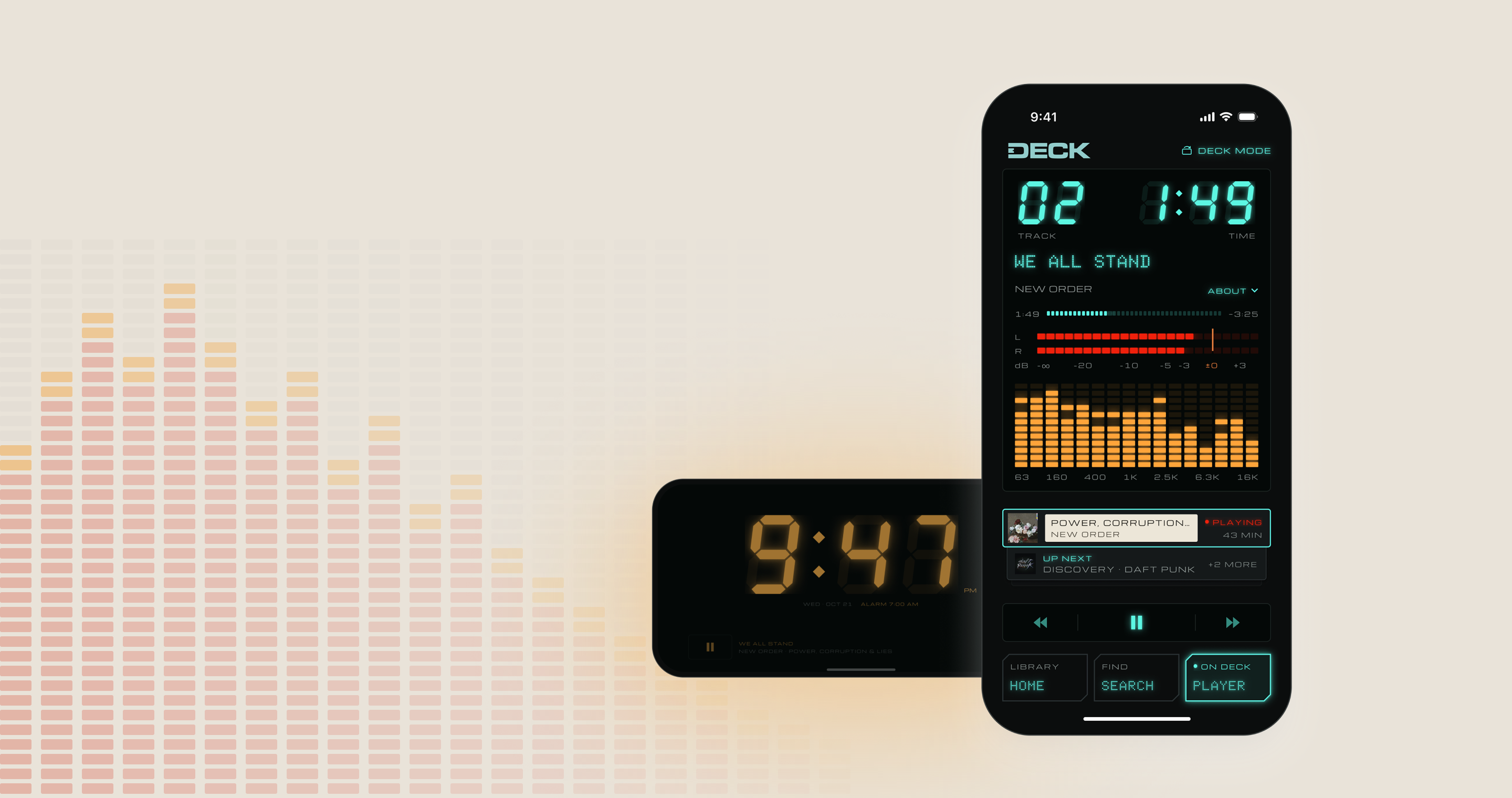
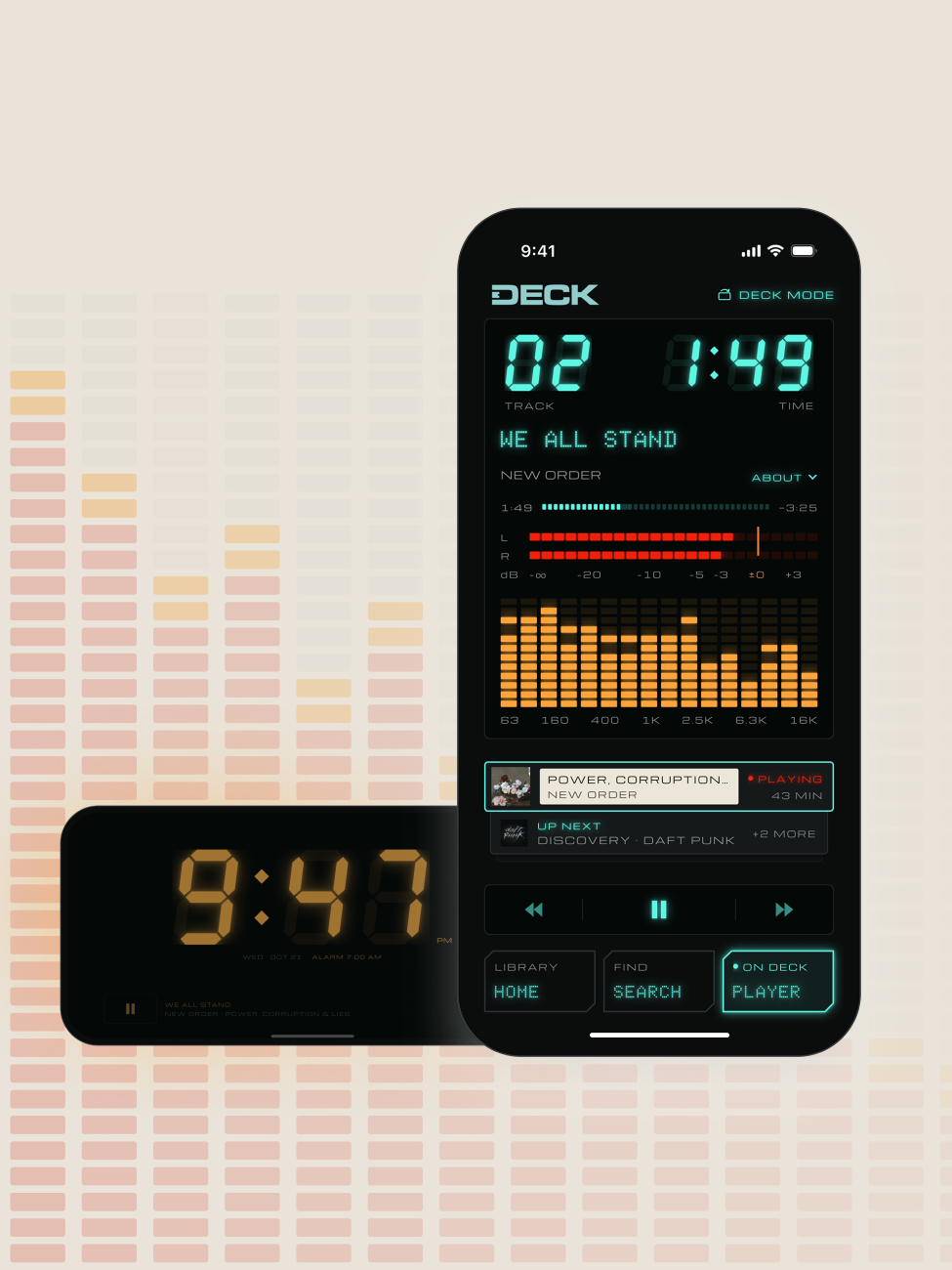
One album at a time
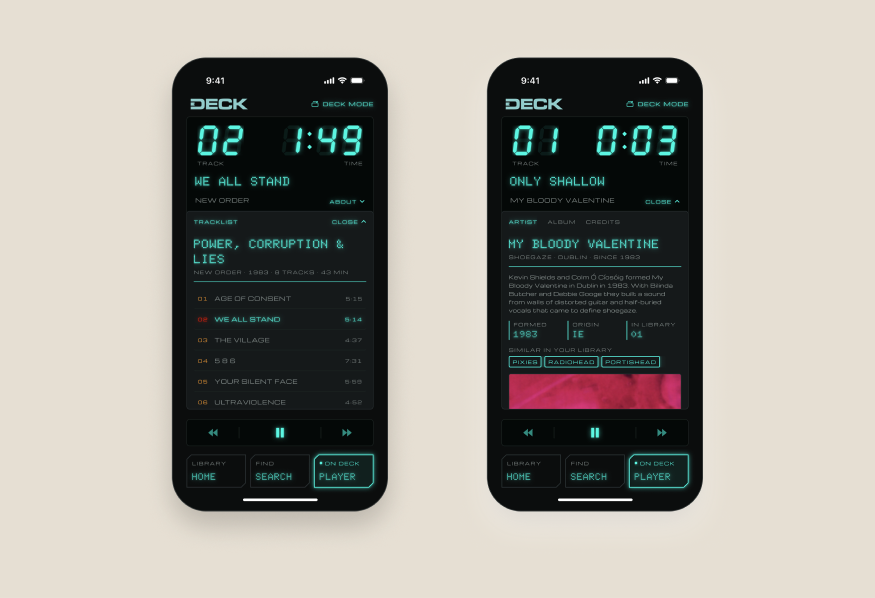
Albums load one at a time, like tapes, but you’re never locked in. Pick any track, see what’s up next and read up on the artist, all from one screen.
Three directions, in grayscale
Before any color, I sketched three takes on the home screen: deck first, a shelf of albums, and a console. The final app keeps your library on Home and gives the deck its own screen.
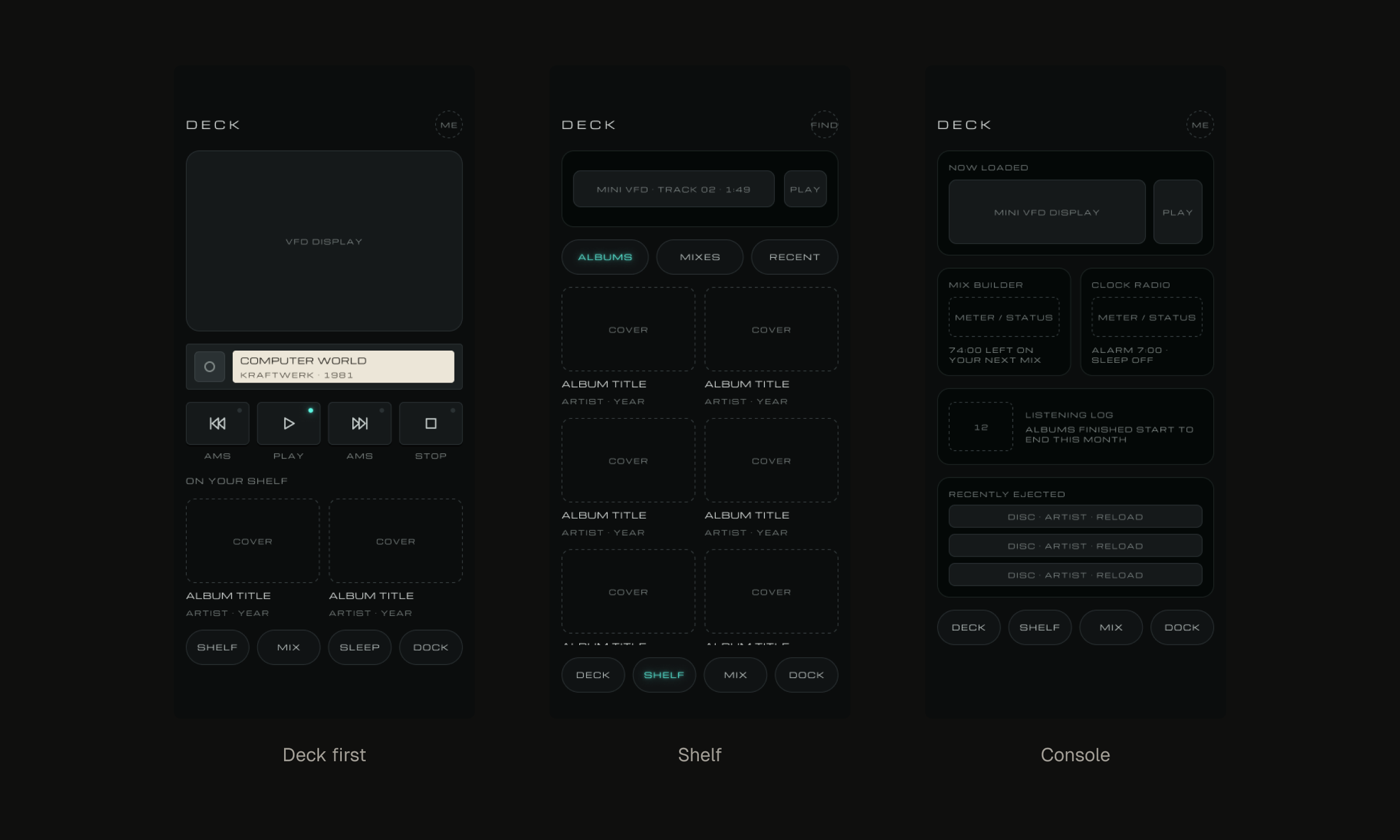
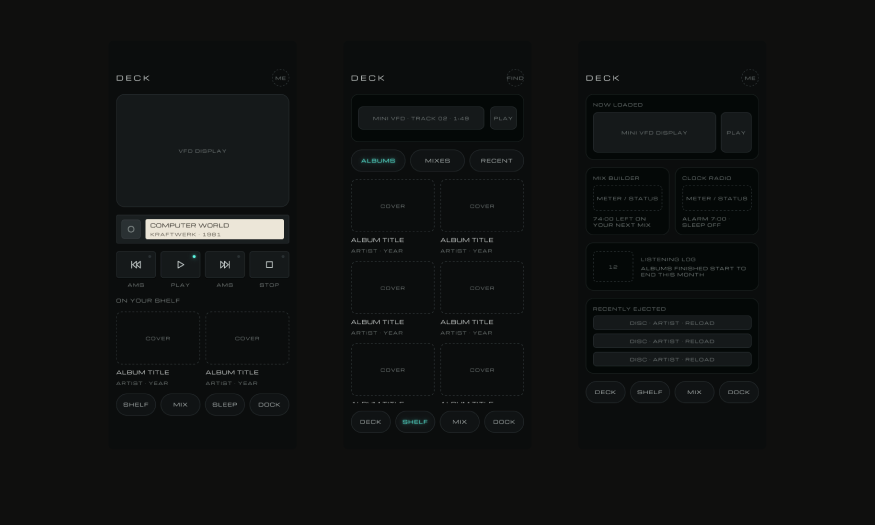
Three directions: Deck first, Shelf and Console.
Everything on one screen
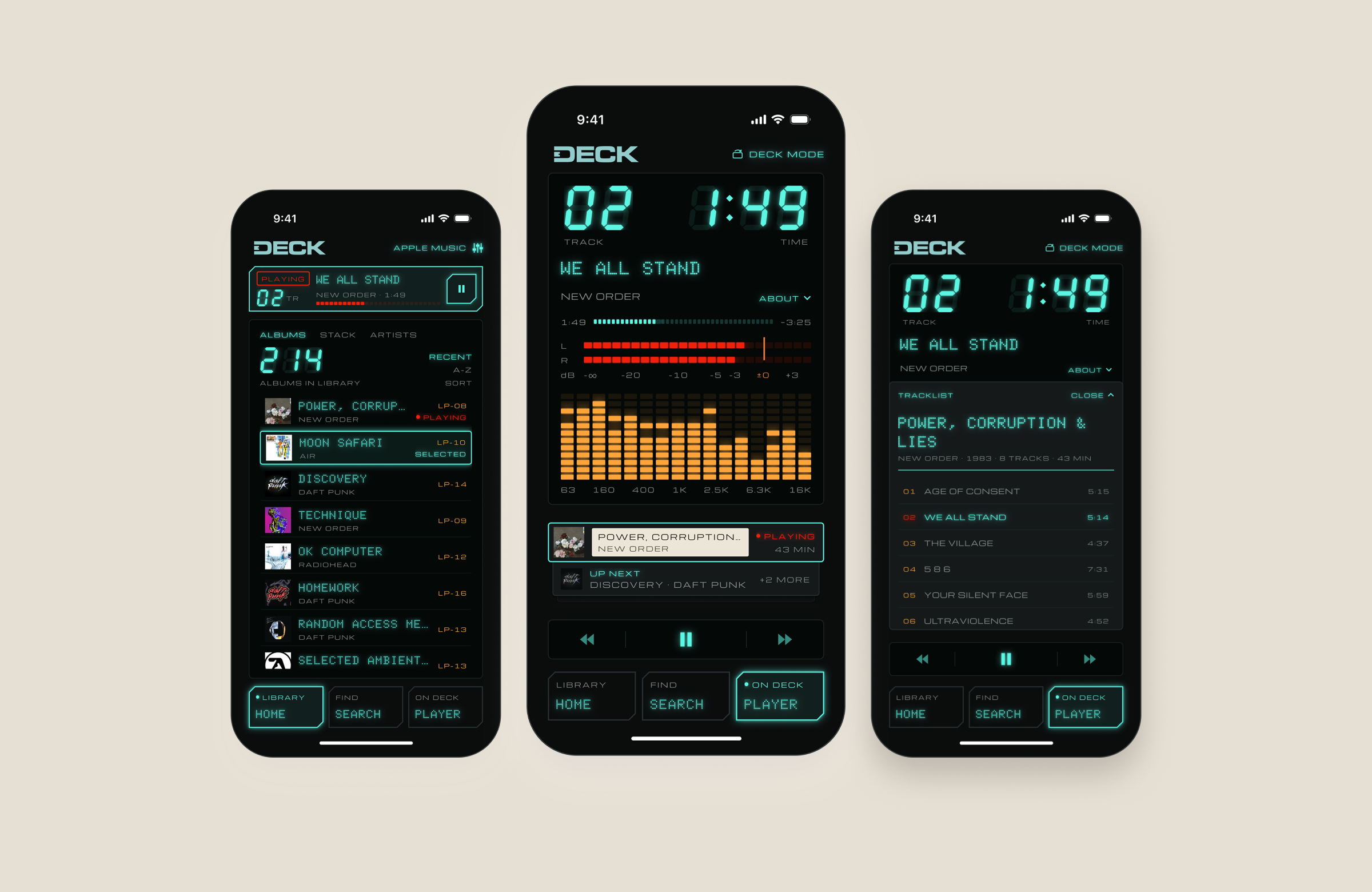
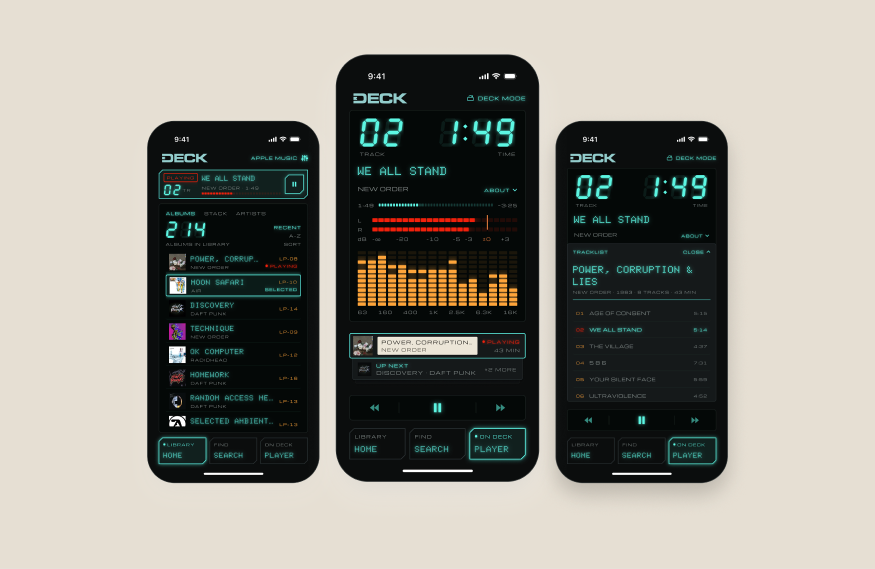
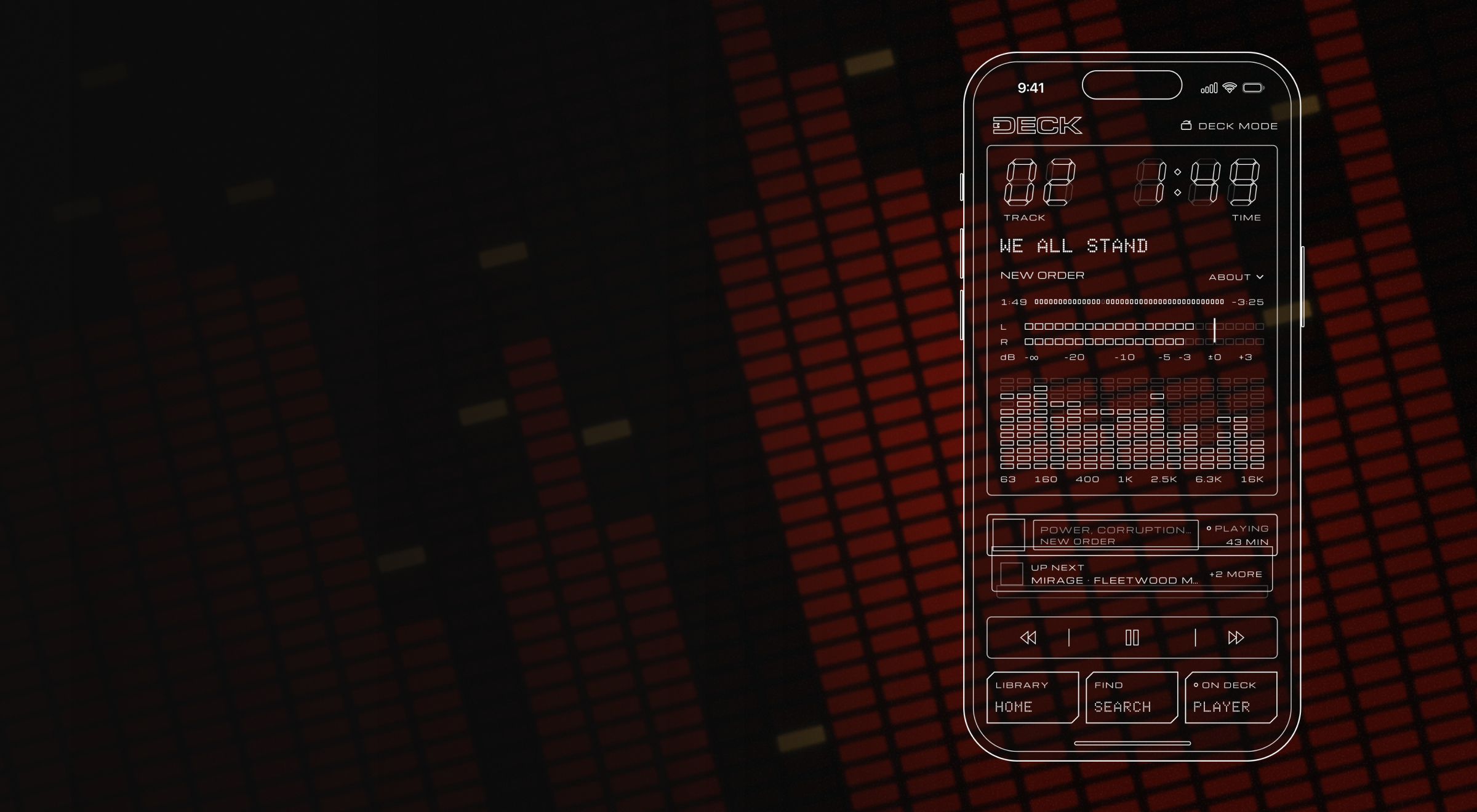
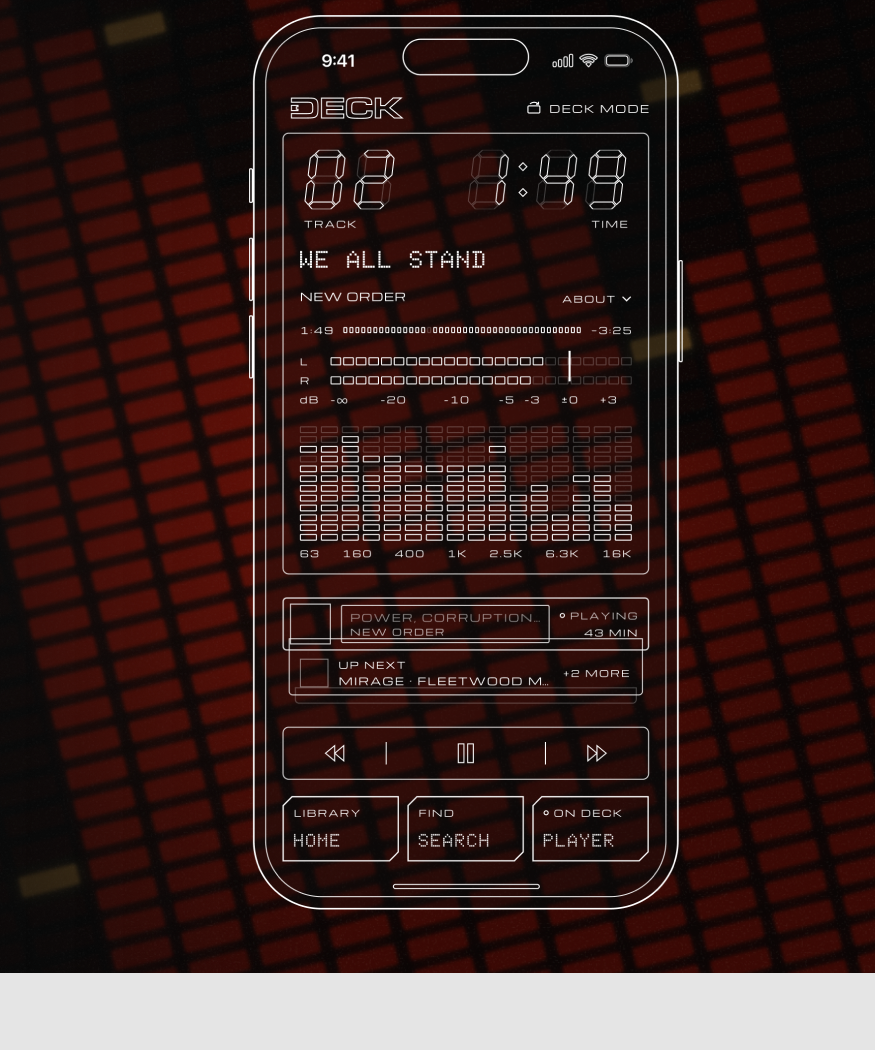
Play, skip, pick tracks, see what’s up next and learn about the artist without leaving the player.
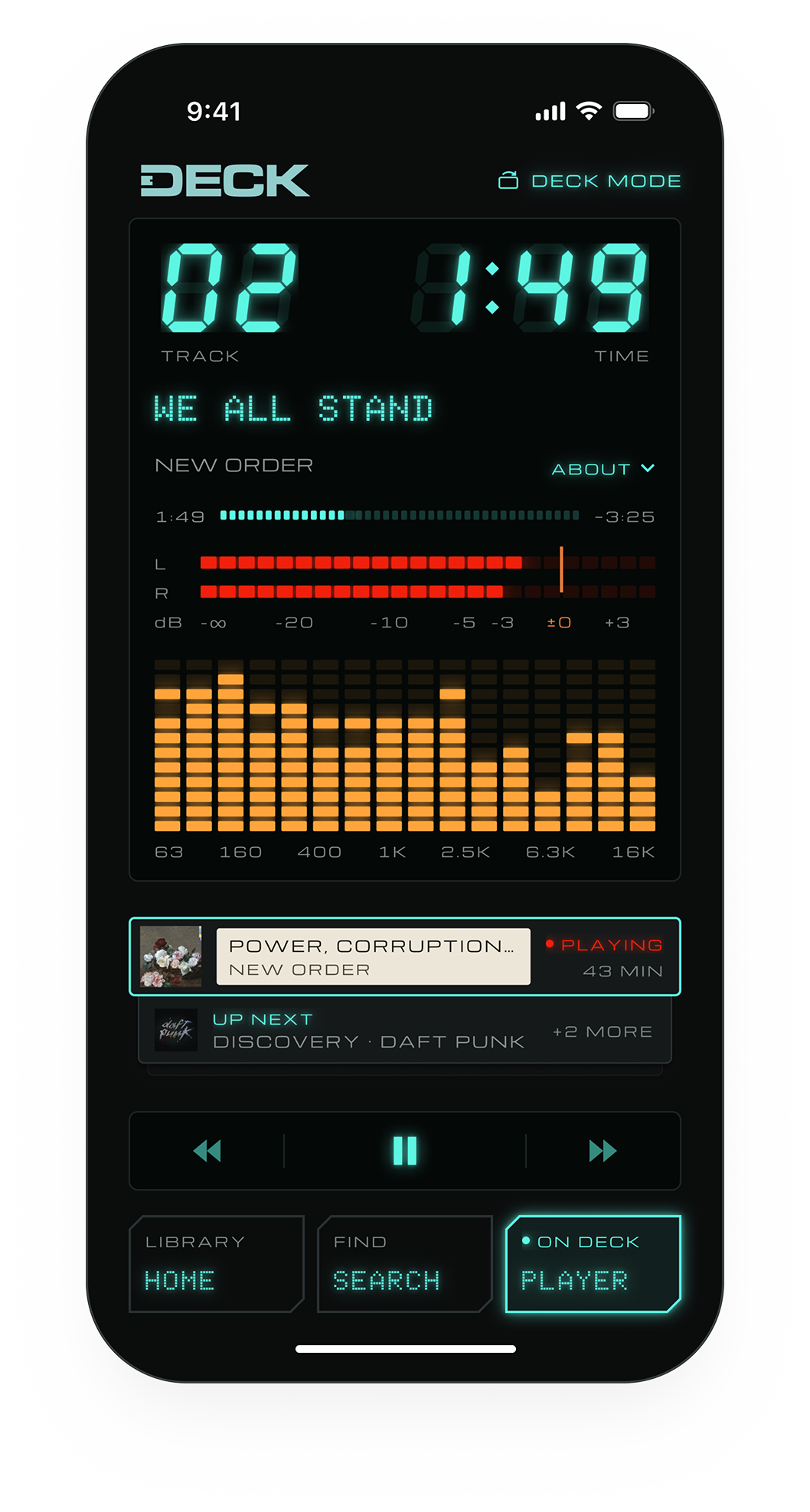
Track & time
Seven-segment readouts and a tape counter for every track.
Tracklist
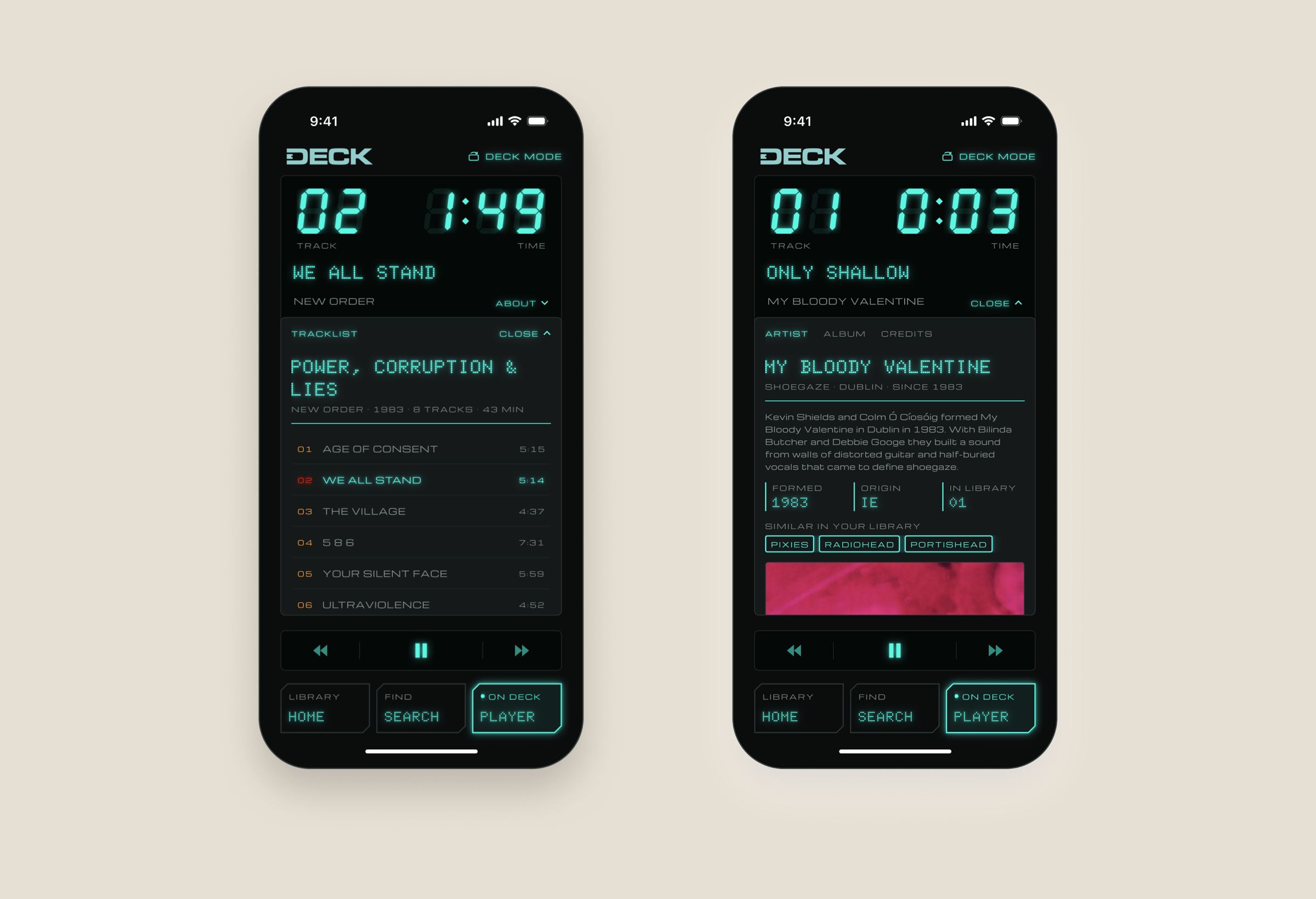
Tap the title to see every track on the album. Tap any one to play it.
About
Tap ABOUT to read about the artist and the album, right under the title.
Levels
An L/R level meter and a 16-band spectrum that move while a tape plays.
The stack
Queue whole albums or single songs. Up next waits right below the tape that’s playing.
Two panels, one title
The tracklist and the About panel both drop down from under the song title, so you never leave the tape that’s playing.
Tap to skip. Hold to wind.
Tap REV or FWD to skip a track. More than 3 seconds in, REV restarts the track instead.
Hold to wind. The tape winds faster the longer you hold, from 2× up to 16× normal speed.
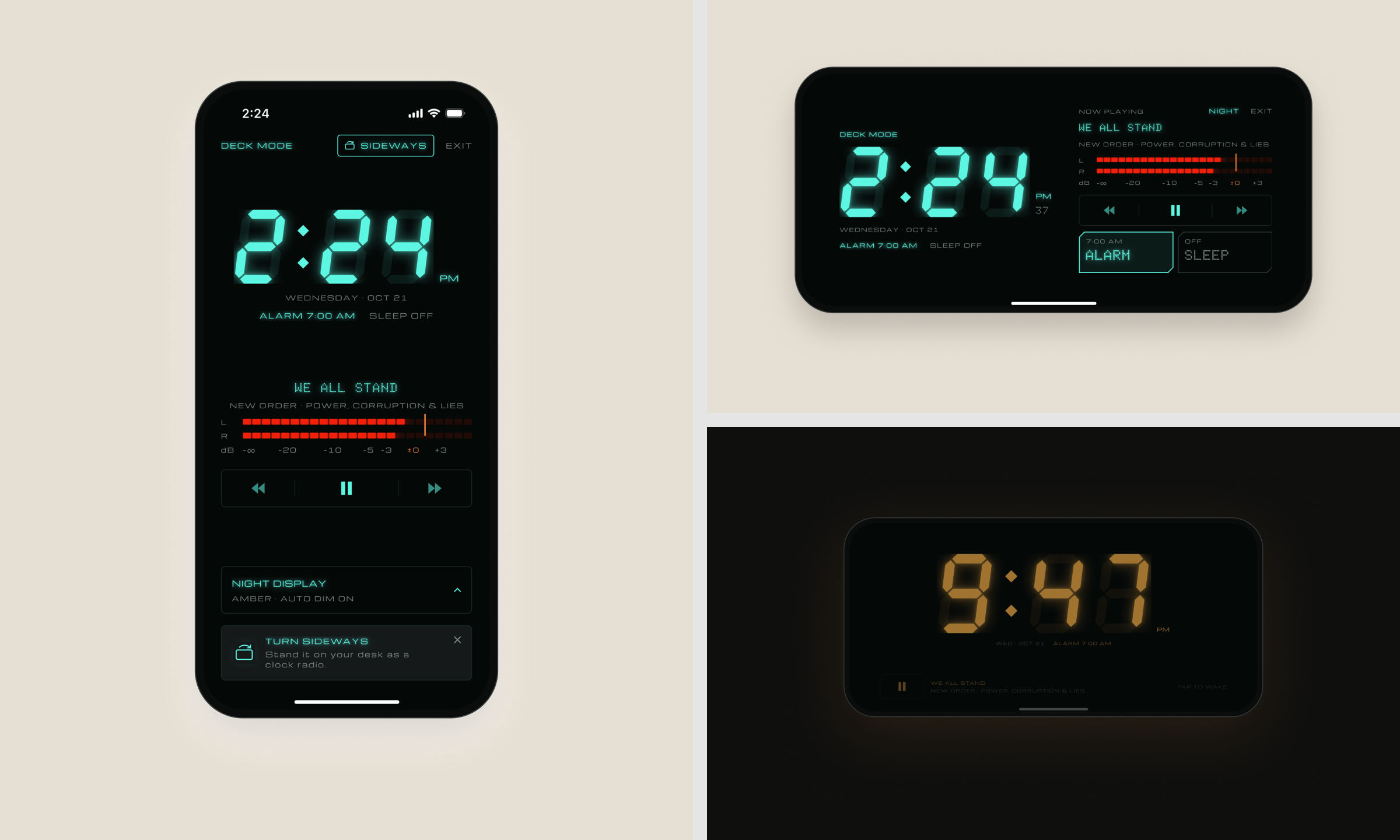
Turn it sideways
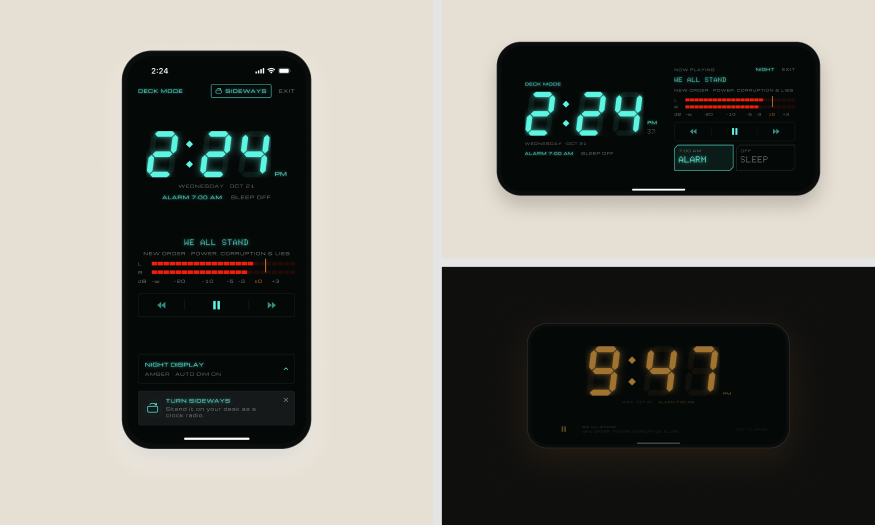
Turn your phone sideways and DECK becomes one for your nightstand, with an alarm that wakes you to a tone or to your stack.
Small calls that shaped it
One kit, two builds
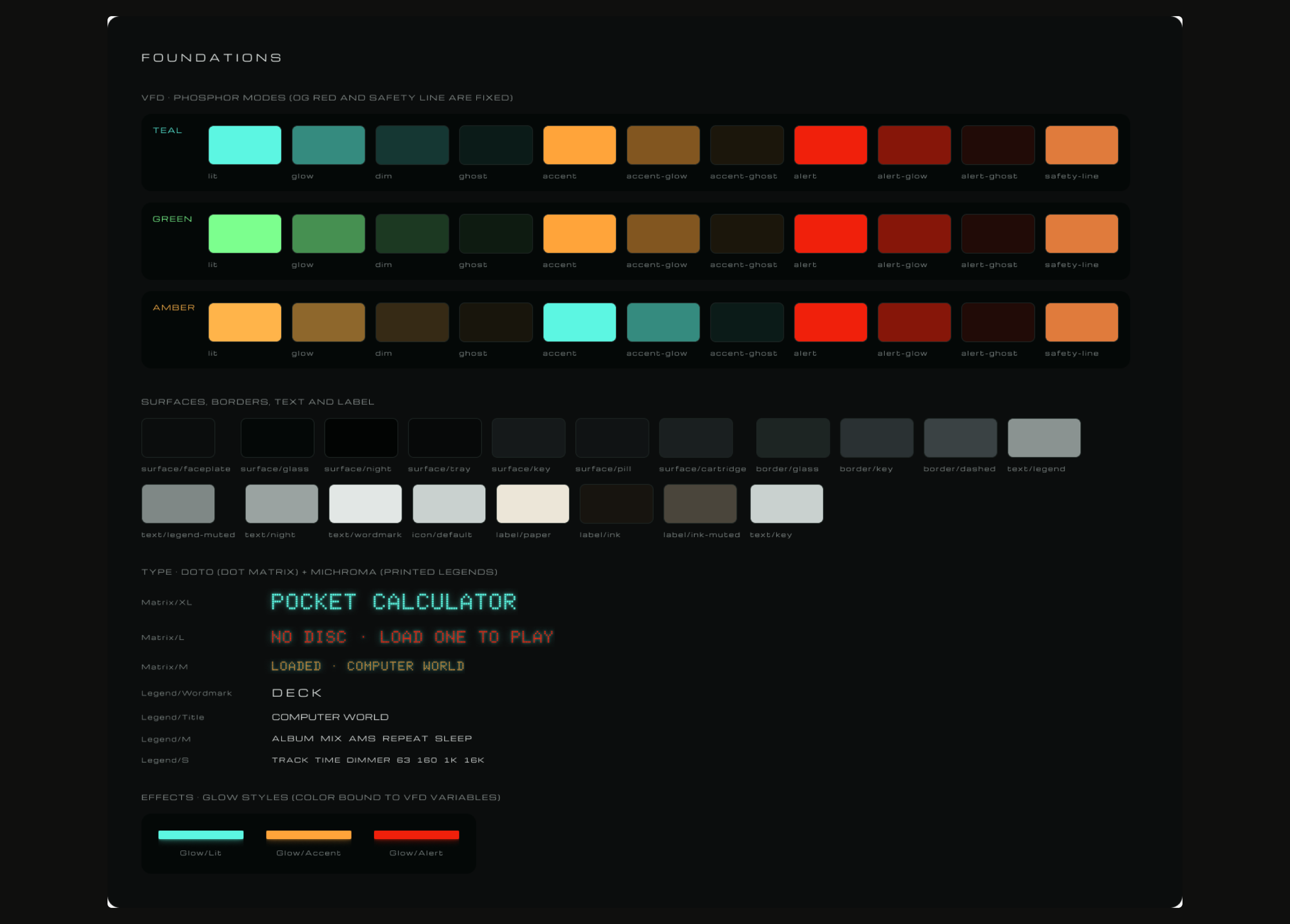
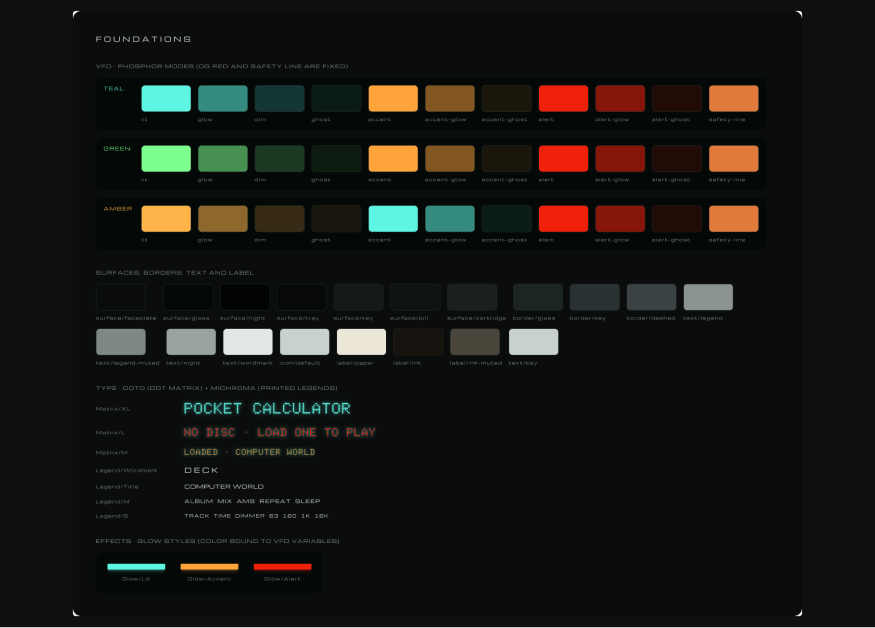
Every color, type style and key lives in one Figma UI kit: teal VFD segments, Doto dot-matrix readouts and chamfered keys. The SwiftUI app mirrors it token for token, and the Figma prototype covers 136 wired screens.